GameBoy emulator for PC
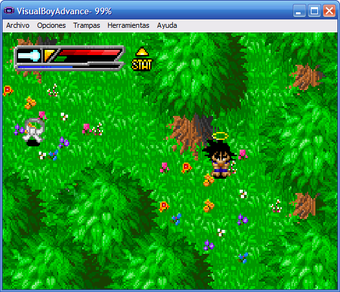
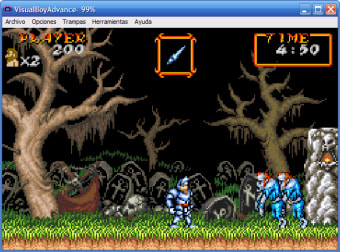
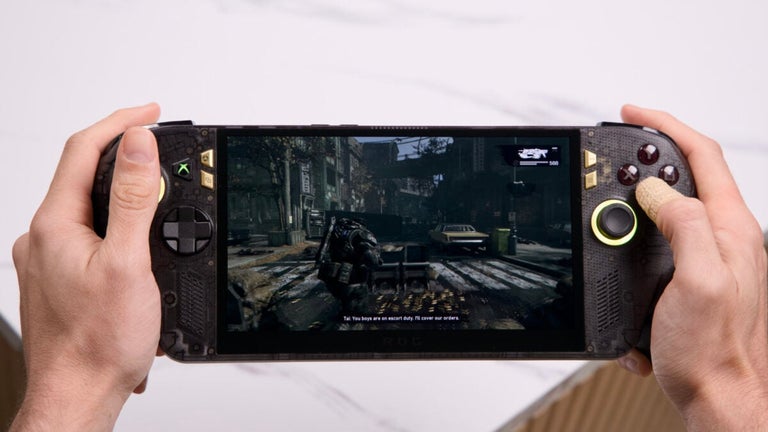
Visual Boy Advance is a free game utility program for PC devices. It is an emulator for the classic Nintendo handheld gaming systems GameBoy and GameBoy Advance. Through it, players will be able to play and experience some of the most popular classic titles from that era of gaming.
Top Recommended Alternative
Much like MyBoy - GBA Emulator or mGBA, Visual Boy Advance provides an experience that's faithful to the original console, from the native aspect ratio to the distinct color grading. It also brings some modern gaming features to the table to make it more accessible for today's gamers.
Retro GameBoy goodness
It's no secret that Nintendo's handheld gaming systems are some of the most popular in the world, and it all started with the venerable classic GameBoy and was soon followed by the more feature-packed and ergonomic GameBoy Advance. To this day, these portable consoles still receive much love from gamers, particularly, from the retro gaming space, where emulators like Visual Boy Advance exist.
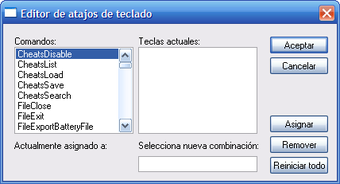
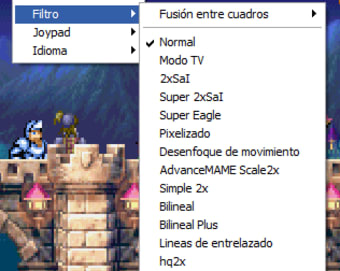
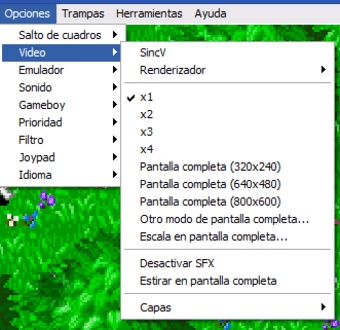
This program is basically a three-in-one package that includes emulators for the original GameBoy, GameBoy Color, and GameBoy Advance. It allows for customizable controls and even support for third-party controllers. You then get a nice Color Correction feature to compensate for the overly bright look of games back then, as well as optional Pixel Filters if you want enhanced graphics.
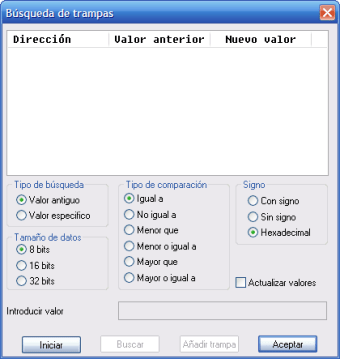
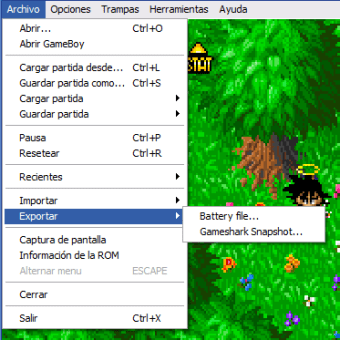
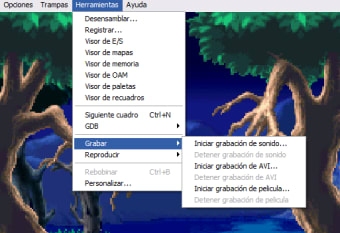
Other notable additions include support for cheat codes, built-in video recording capabilities, and a fast-forward feature to breeze through long cutscenes. There’s couple of things to note before diving in. The first is that you'll need to supply your own ROMS for the titles you want to play as this does not come with any. Secondly, there have been some reports of saving errors in some games.
Simply a must-have
Visual Boy Advance will delight many fans of the classic GameBoy system with its performance and expanded feature set and will let them experience their favorite games better than ever before. For newcomers, now is a great time to get into the retro gaming scene and play some of the best classic titles ever made. Highly recommended and definitely a must-have.